



One of the pivotal aspects of budgeting is to be able to make sure that you’re staying within what you’ve budgeted. To do that, you have to track your expenses. It can be as easy, or as complicated as you make it. I’m a fan of easy; the easier, the better! Here’s my step-by-step method for how to track your expenses.
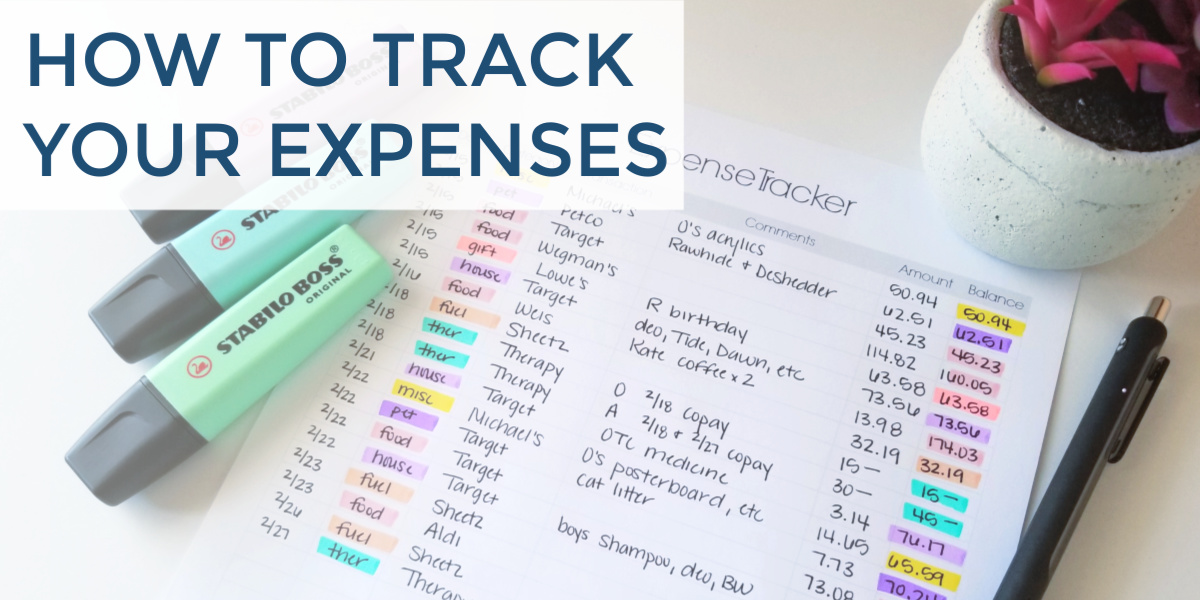
Note: This is a reformatted version of a previous post. Please READ THIS if you’d like more information.
Related Posts:
Materials You Will Need To Track Your Expenses:
- Highlighters: I like using the Stabilo highlighters* because they come in an array of colors and don’t easily bleed through the paper that I use, but I also love the new Sharpie S-Note* colors.
- Pens or Pencils:
- Receipts: Receipts are the most useful because expense tracking is all about what categories you are spending in; however, you could also use your bank statements, bills and credit card statements if you would like.
- A notebook, or my printable expense tracker – is available in my Resource Library, free to all my email subscribers.

What Categories Should I Track?
The best part about learning how to track your expenses is that you will start to see purchases that don’t fit nicely in any category that you create initially. That is perfectly normal!
The best place to start is just look through your receipts, and find a pattern.
Obviously, start with categories like food/groceries, pet supplies, school supplies, household supplies, personal care supplies, etc.
As you continue to track your expenses, you’ll find some purchases don’t necessarily fit nicely into those categories; the easiest way to combat this is to create a category called “miscellaneous”. As you notice a pattern in your miscellaneous spending, you’ll learn what other categories you need to add.
Record Every Expense
Yes, every expense!
That means that you need to write down the date of the expense, the category of your budget, where you spent that money, a quick description, or some comments about it, and finally the amount that was spent.
I do this part a little differently than others I have seen.
Rather than tallying up all of the expenses, into one lump sum, I add up the expenses by category.
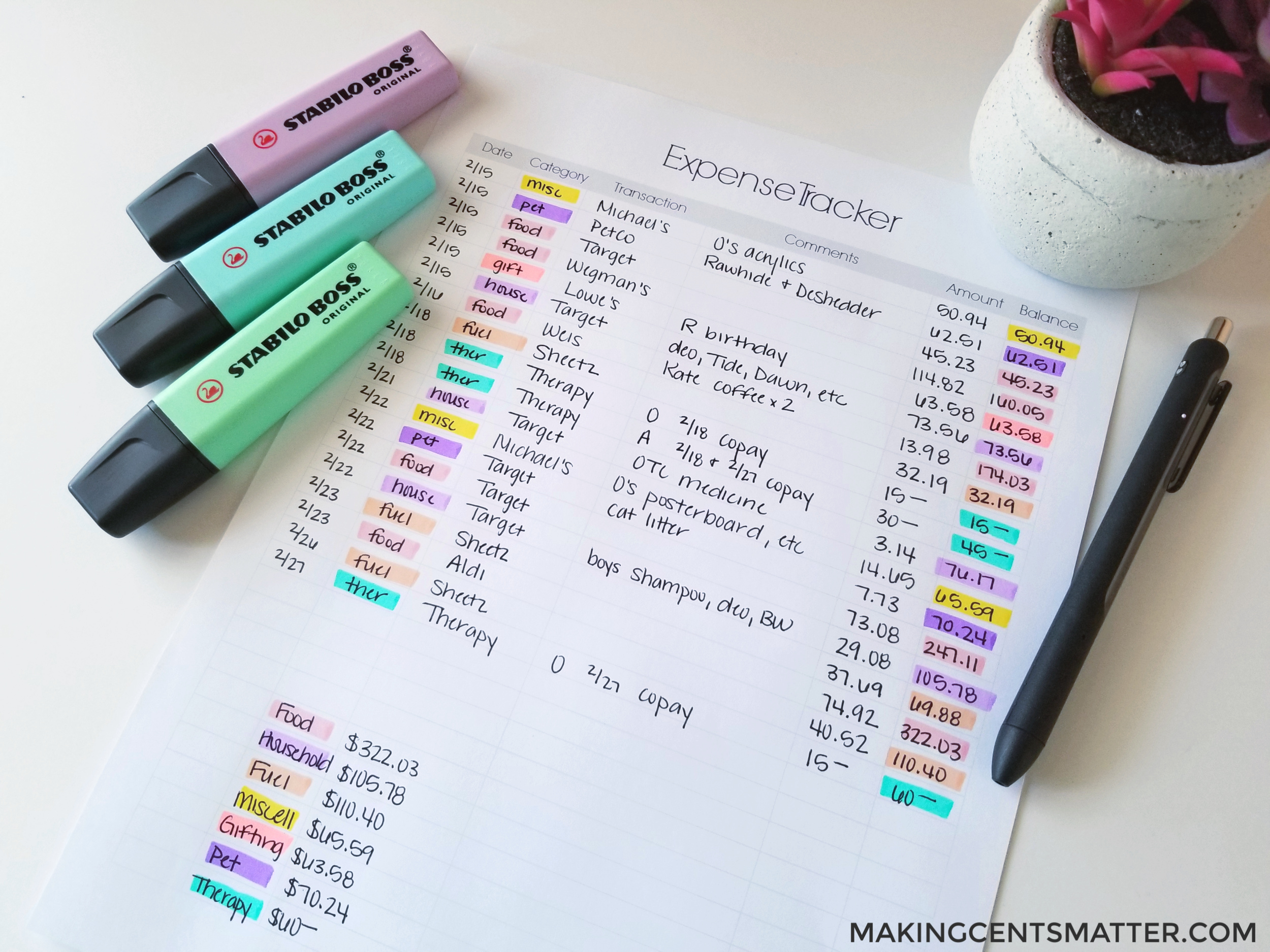
This is where the highlighters come in – they make it incredibly easy to find other expenditures within the same category.
Why does this help you though? Because if I’ve budgeted $600 for food in our zero-based budget, then I want to be sure that I can see how close I am to that $600 as I track my expenses.
Plus, tracking and adding up your expenses by category becomes invaluable information when it is time to review your budget.
What If Different Categories Are On The Same Receipts?
How you do it is entirely up to your personal preference. And it is okay for that personal preference to change depending on the day, or even the time of the day.
Sometimes you go through Target and want to get out in one transaction. That means when you get home, you have to break down the receipt into separate categories, and what was spent in each category.
And then there are other times that maybe you have the time, or more importantly, the patience, to go through and separate your transactions by category.
However, you choose to do it only matters to you and your budget. Take the time to find what works for you.
Consistency Is Key When Expense Tracking
The only way to become successful with your budget is to create a habit of reviewing those expenses. Whether your budget routine has you sit down and tally up your expenses daily or weekly is entirely up to you, but I wouldn’t wait much longer than a week. Then the experience becomes time-consuming and overwhelming, and our brains just don’t want to complete the task.

Do I track my expenses on Paper or Digitally?
This is a step that is entirely up to you. I prefer to track my expenses on paper. While tracking your expenses using a digital method, like Excel, Google Sheets, or one of the many budgeting apps, can be exceptionally easy once it is set up, it is also easy to lose connection with your budget.
Just like planning or journaling with paper and a pen hits different aspects of your brain, tracking your expenses via paper and pen makes the experience much more personal, and therefore, you have a better connection with your budget. It has a lasting imprint in your brain, rather than getting lost within the digital clutter.
I cannot tell you how many Google Sheets documents I’ve started that I set up my budget with, and just never come back to for review and reconciling. For me, paper always wins.
How do you prefer to track your expenses? Let me know in the comments below.

Leave a Reply